AI video watermark remover
Choose a video to clean up visible logos, corner marks and text watermarks before your next edit
How to remove a video watermark online
Choose a video file
Choose an MP4 video from your computer or phone. Clips can be up to 10 minutes long.
Start processing in one click
AI detects and processes visible watermarks automatically, with no text prompt or frame-by-frame selection needed.
Preview and download the result
Follow progress in My creations. When it's done, play the video and download it for your next edit or post.

Process visible logos and corner marks
Let AI identify and process visible watermarks in an existing video, with no manual frame-by-frame work before you move the footage into an editor.
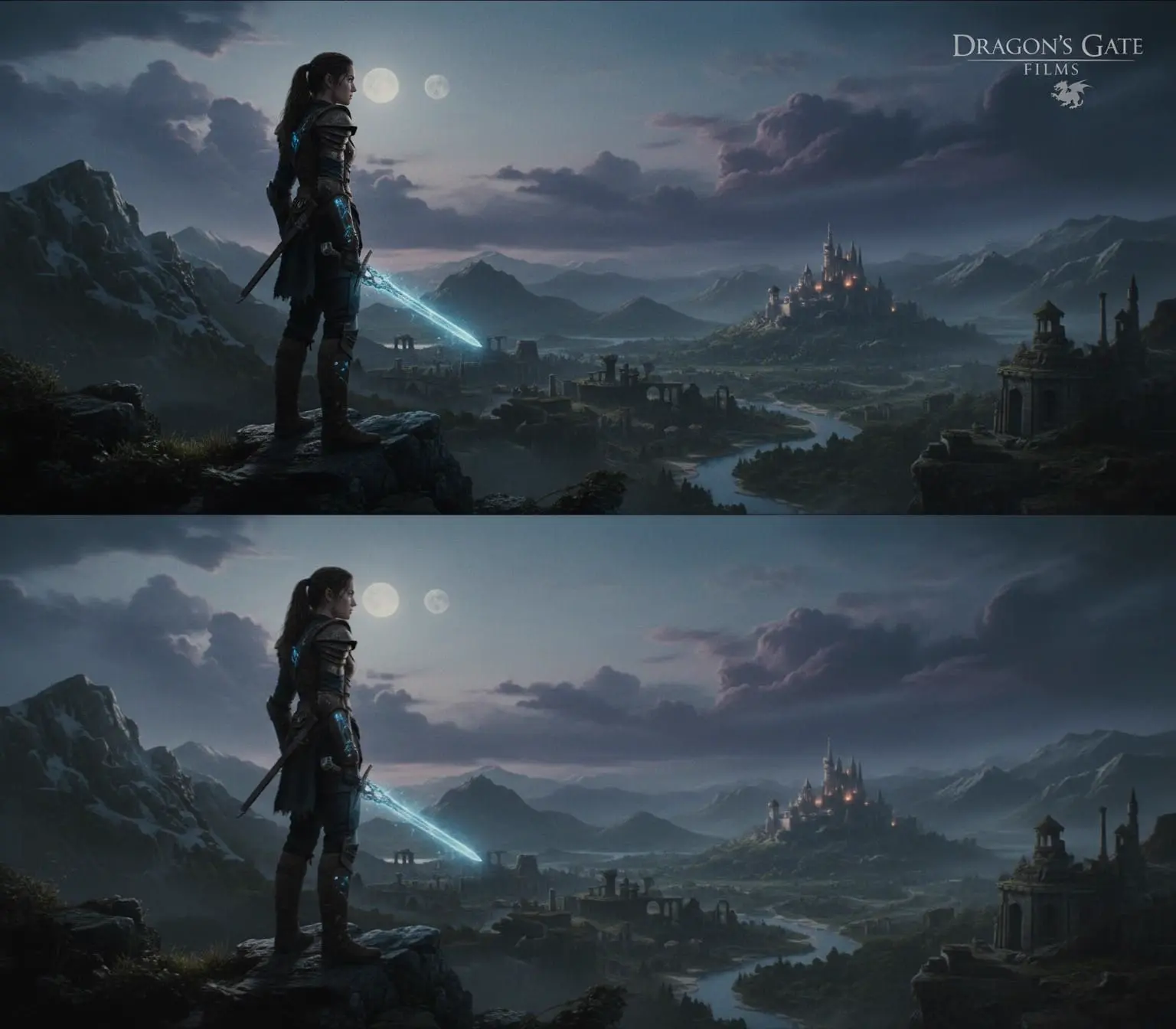
Fill the area covered by a watermark
AI automatically fills in the watermarked area, drawing on nearby frames and the surrounding imagery. No manual frame-by-frame repair needed.
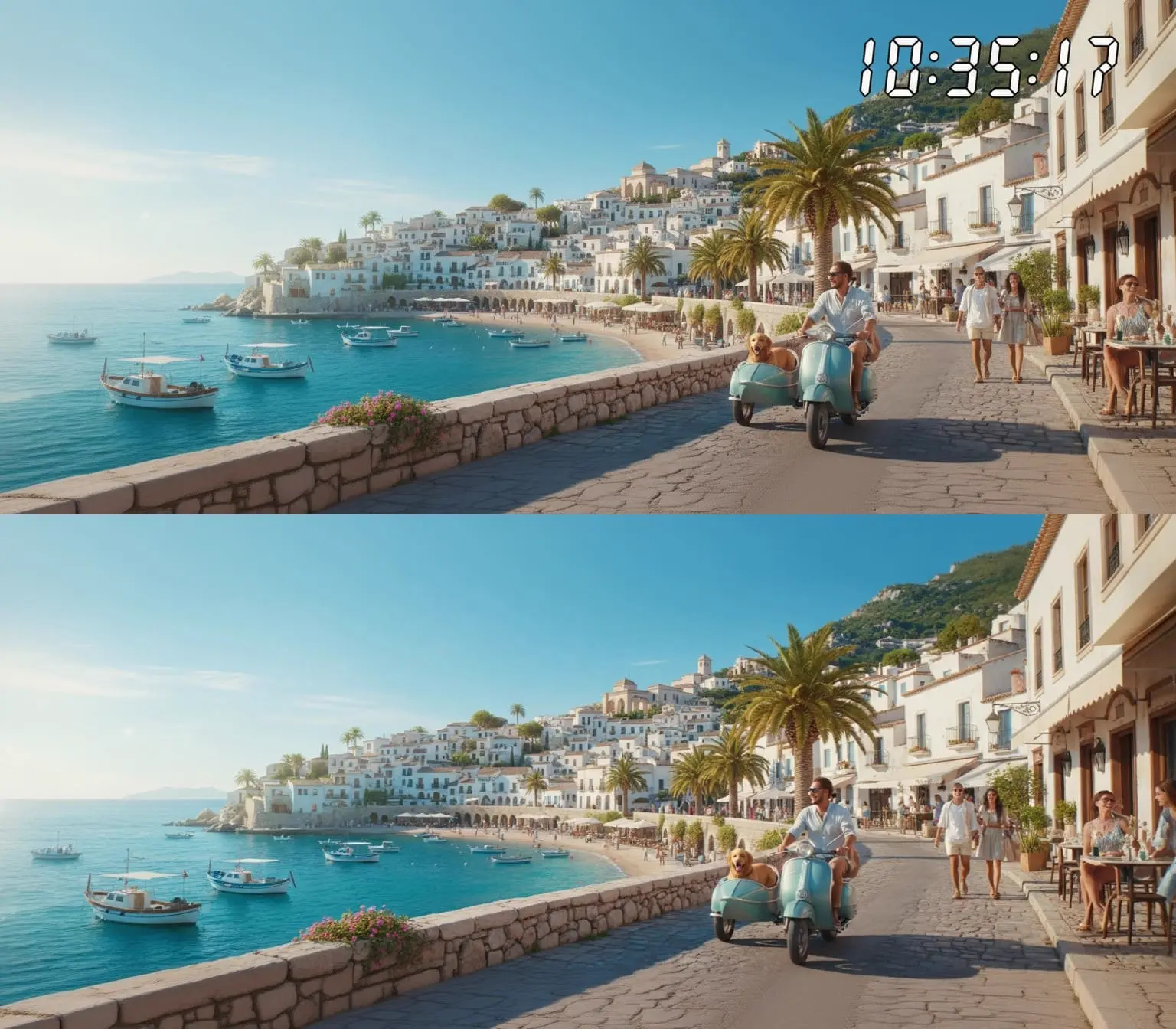
Clean up timestamps and text watermarks
Automatically process dates, timestamps and text marks overlaid on your footage. Submit the whole video at once instead of brushing frame by frame, and save cleanup time for product showcases and content creation.
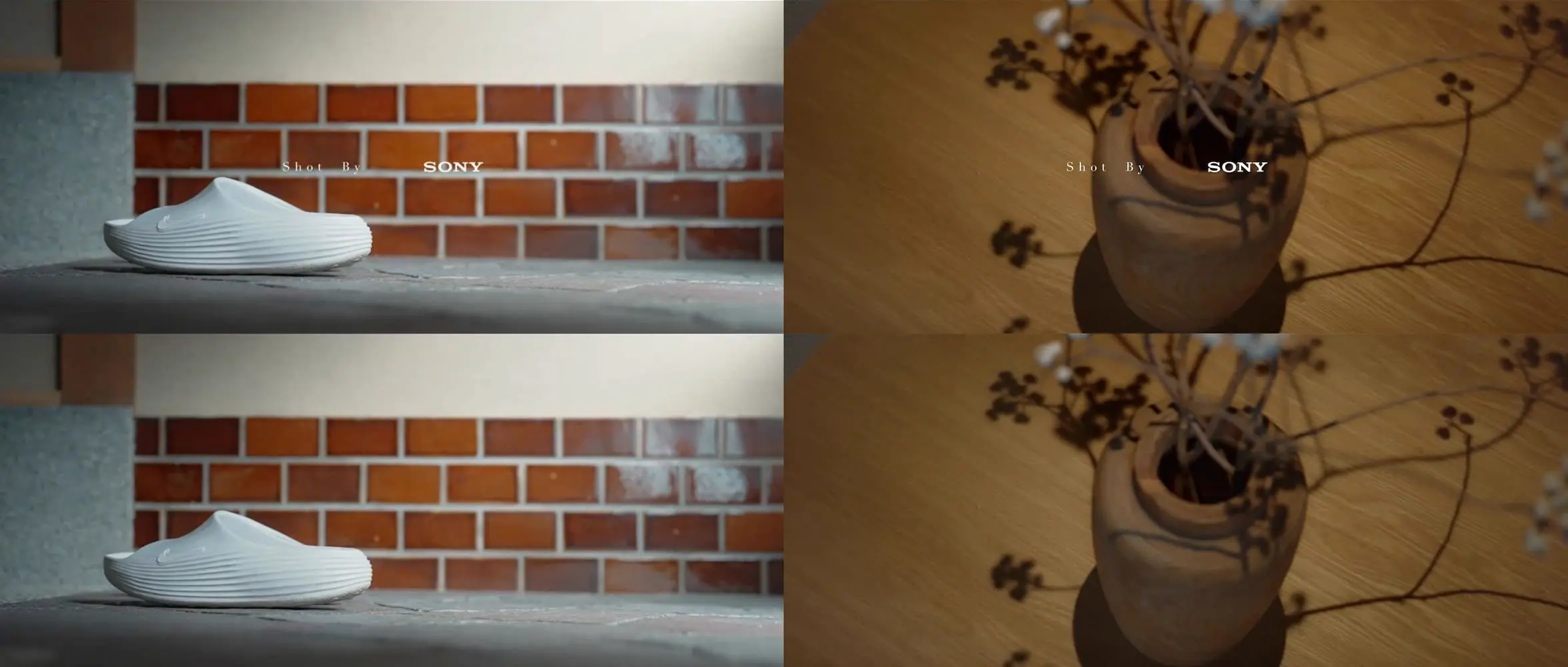
Process the whole video across scene changes
Upload an MP4 up to 500 MB and 10 minutes long to process the whole video in one pass, across scene changes, and save prep time before editing.

Prepare footage for your next edit
Keep processed videos in My creations to revisit and download. After downloading, import them into your editing software to continue with a product introduction, presentation or social clip.